Quadrille
QR codes as design objects: style them, scan them, keep them.
- IOS
- ANDROID
- Utility
- Coming soon
About Quadrille
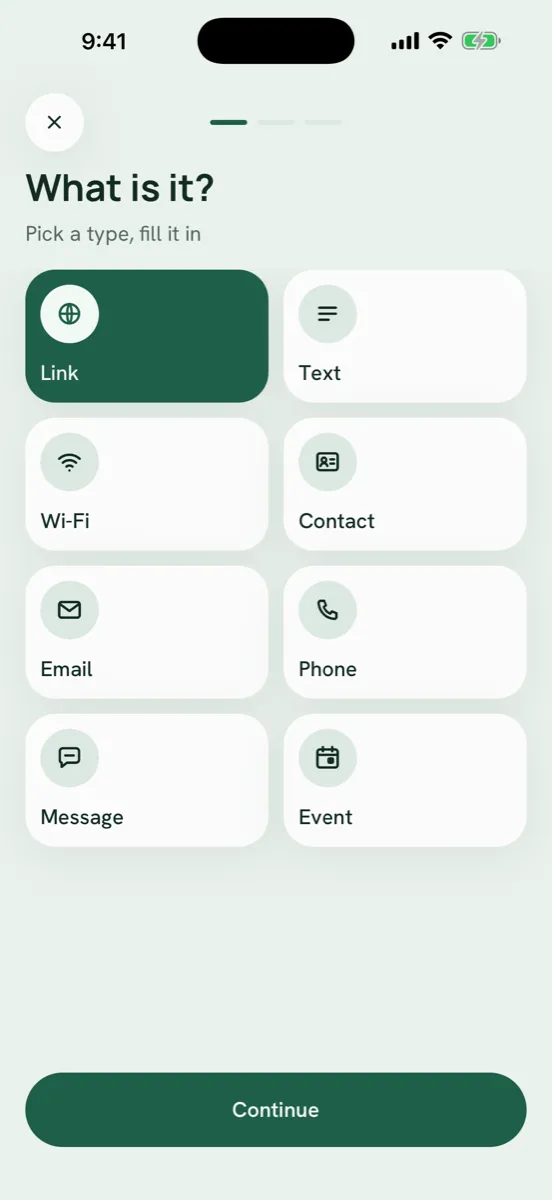
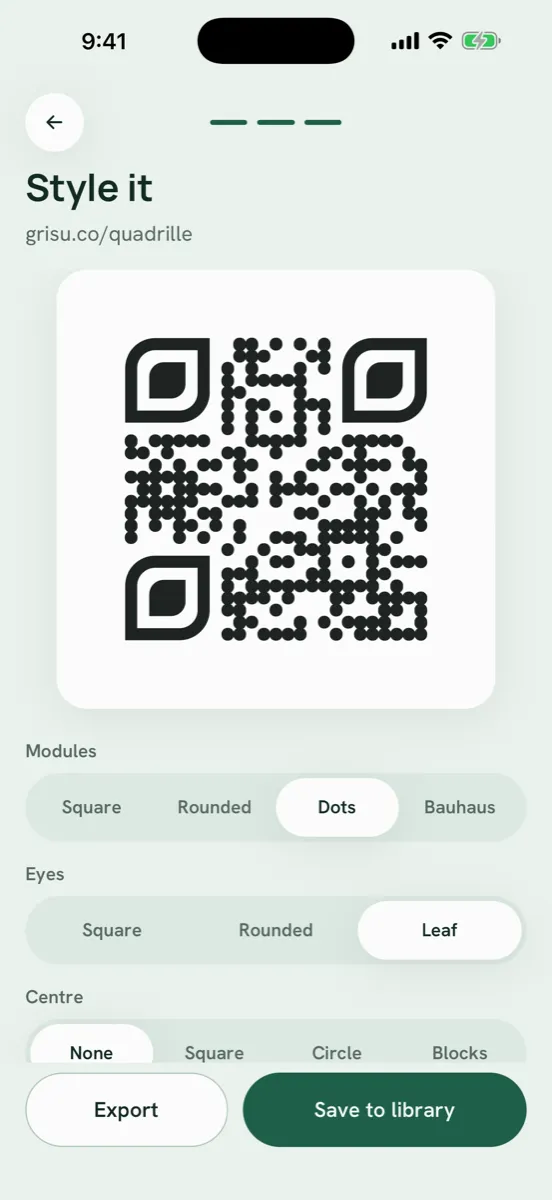
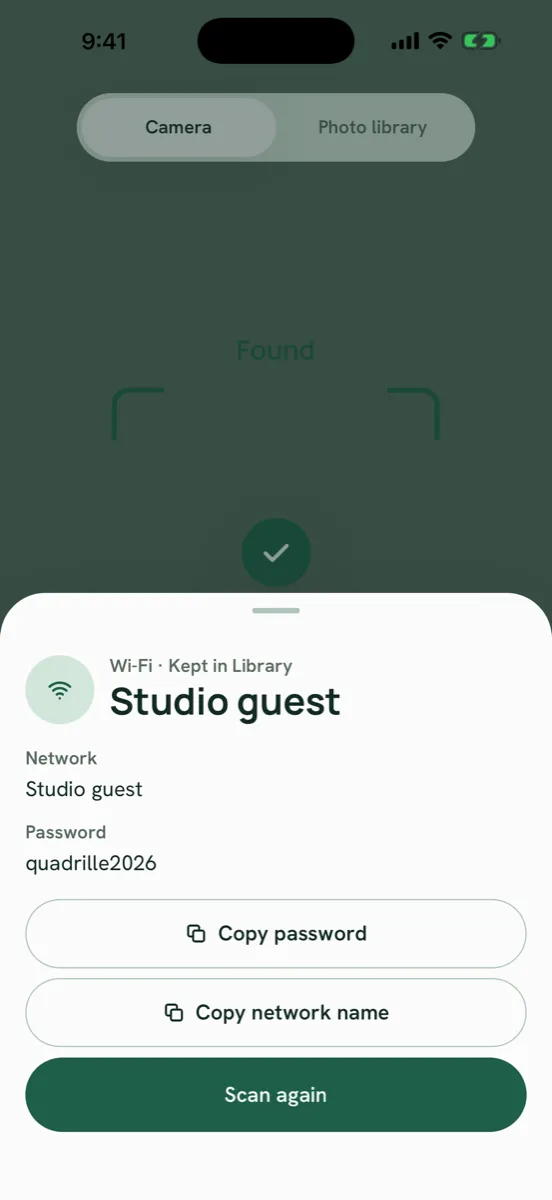
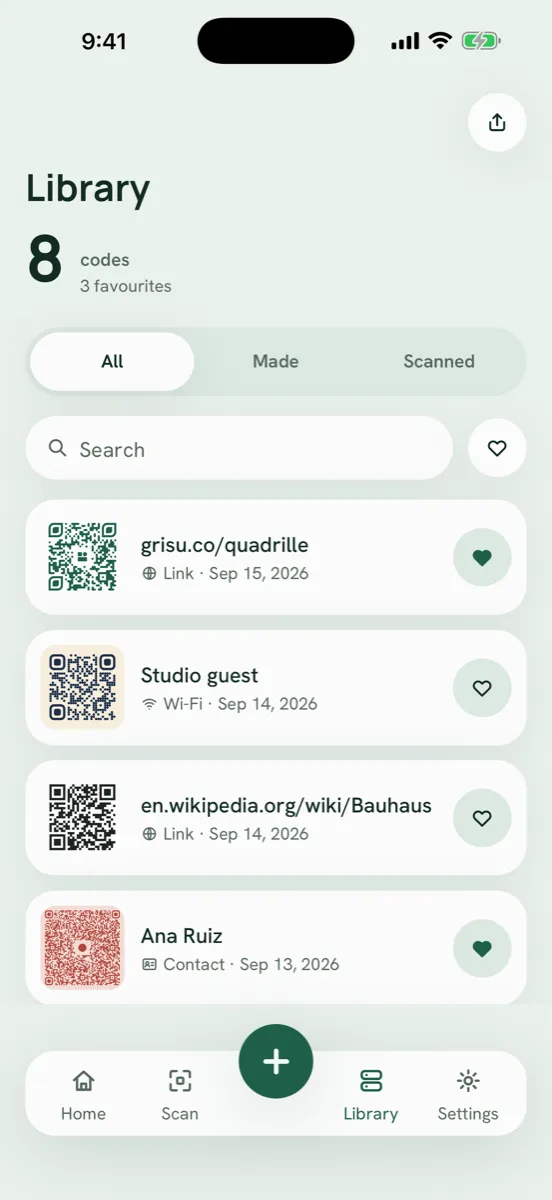
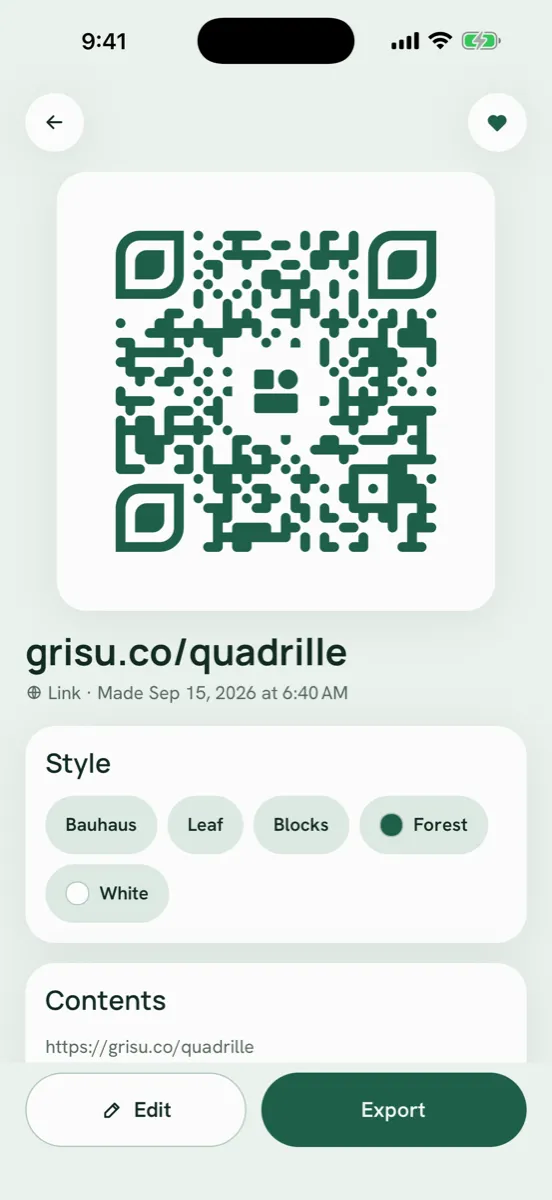
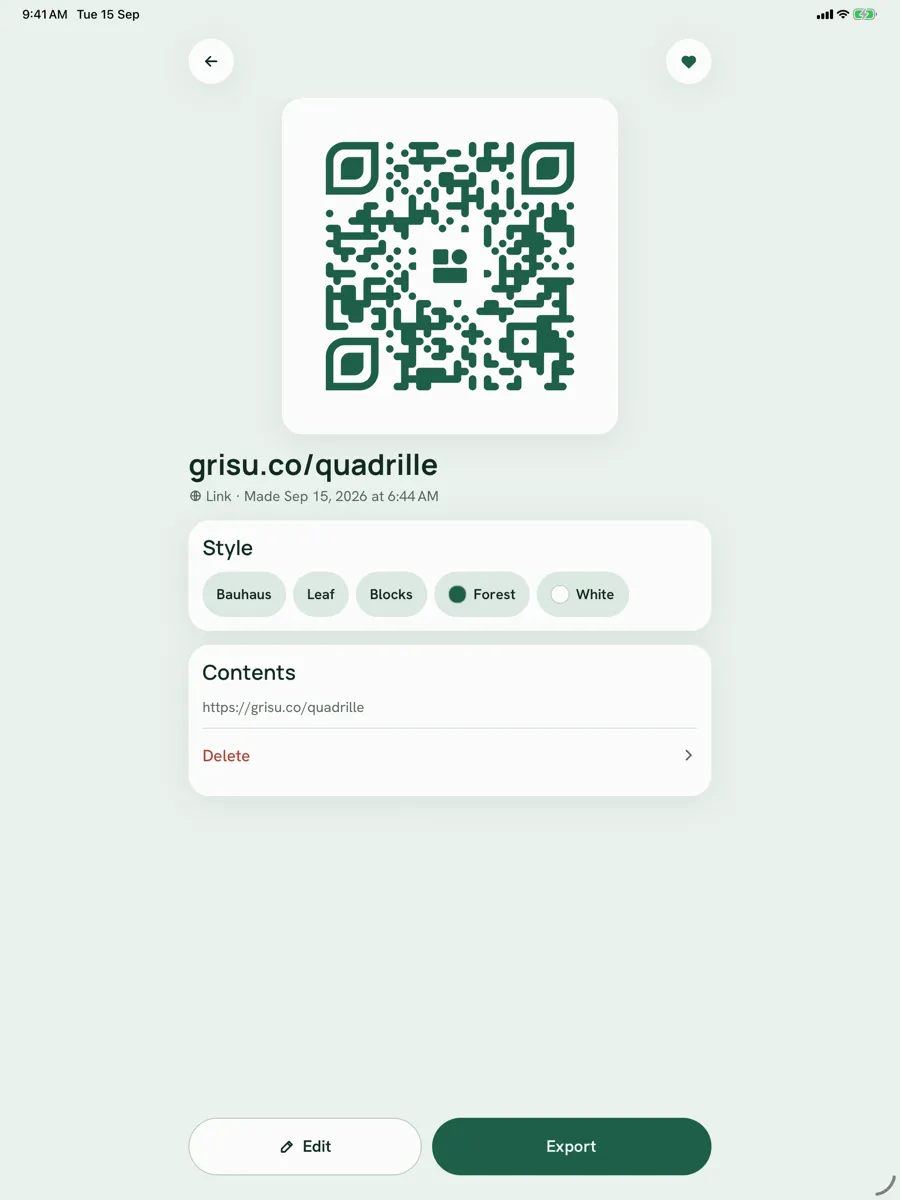
Quadrille makes and reads QR codes, and treats every code as something you designed rather than something a machine spat out. Pick what the code says, from a link to a Wi-Fi network, a contact card, an email, a phone number, a message or a calendar event, and the code draws itself as you type. Then restyle it: square, rounded, dot or Bauhaus modules, three eye shapes, a glyph in the middle, ink and paper from a curated palette. Export it as a PNG at 1024 or 2048 pixels, as an SVG for print, as a share card, or copy the text. Scan any code with the camera or from a photo and act on what it is: open the link, copy the network password, save the contact, add the event. Everything you make and scan lives in a searchable library on your phone, and the whole library exports as CSV, TXT or JSON. No account, no server, nothing leaves the device unless you send it.
Features
Eight Kinds of Code
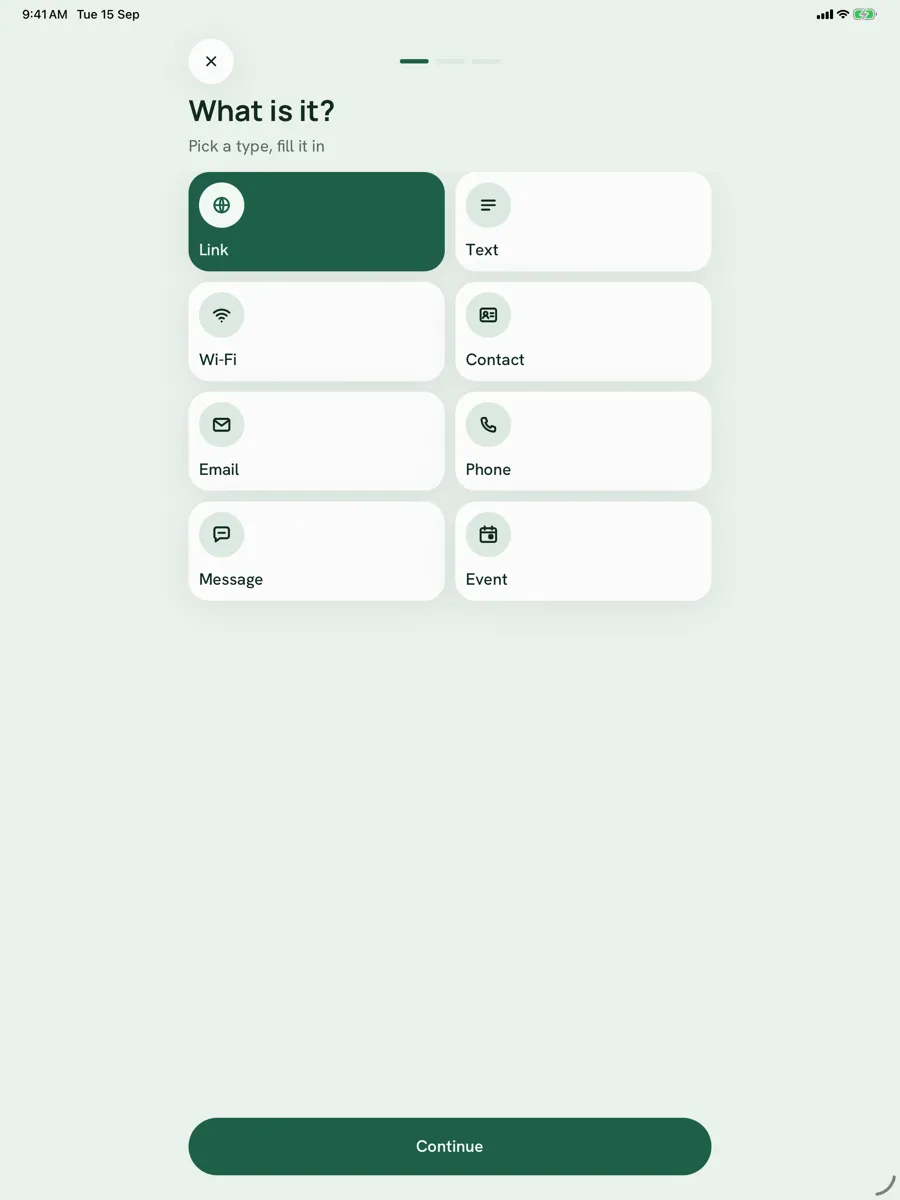
Link, text, Wi-Fi, contact, email, phone, message and event, each with its own form and encoded in the format phones already understand: WIFI strings, vCard 3.0, mailto, tel, sms and iCalendar events. Three steps: what it is, what it says, how it looks — and the code draws itself live as you type
Styled, Not Generated
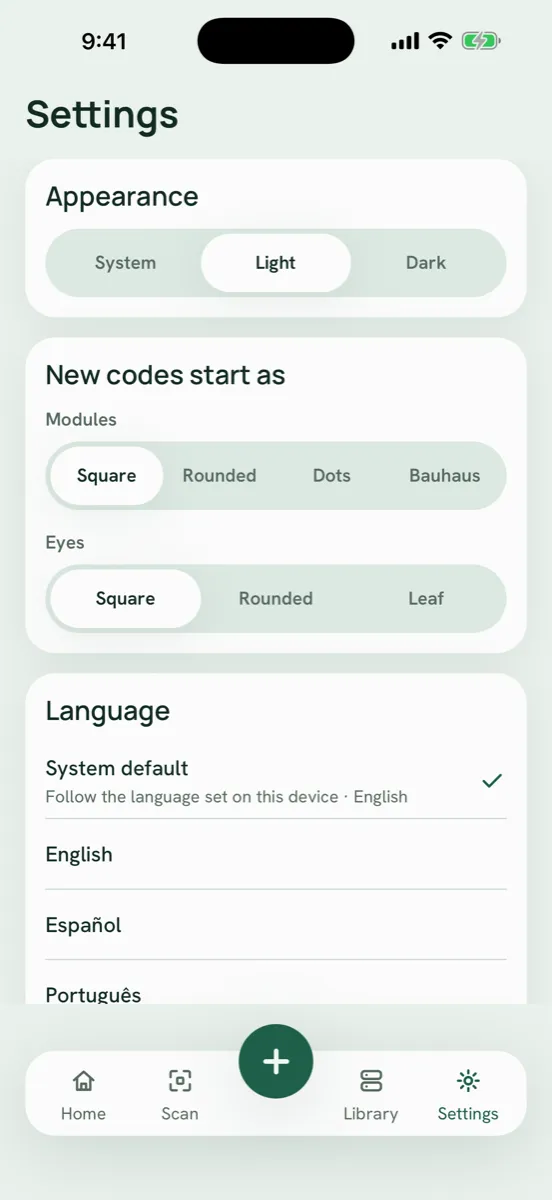
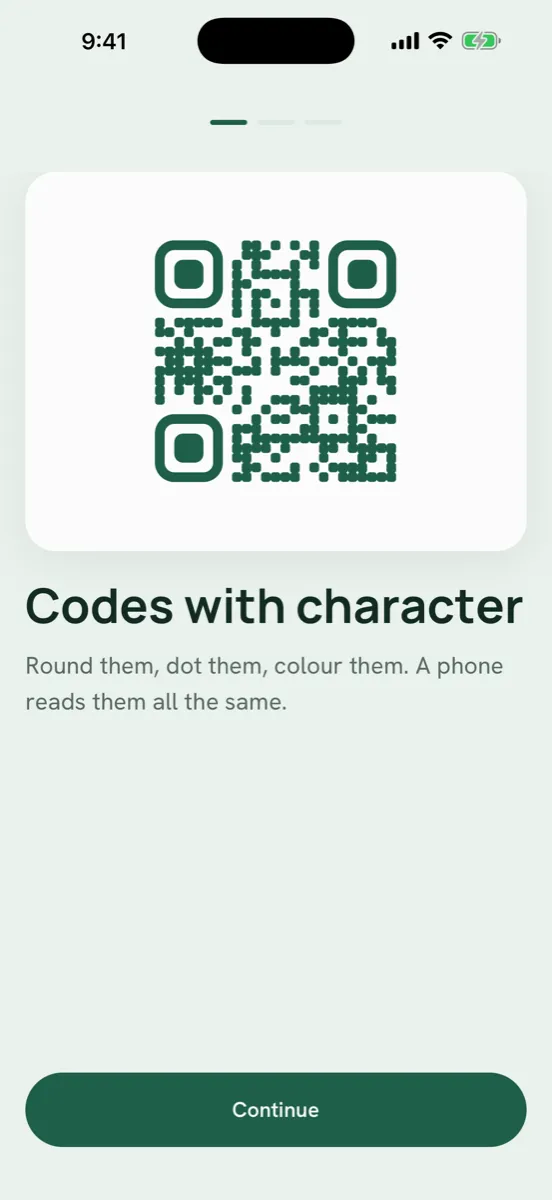
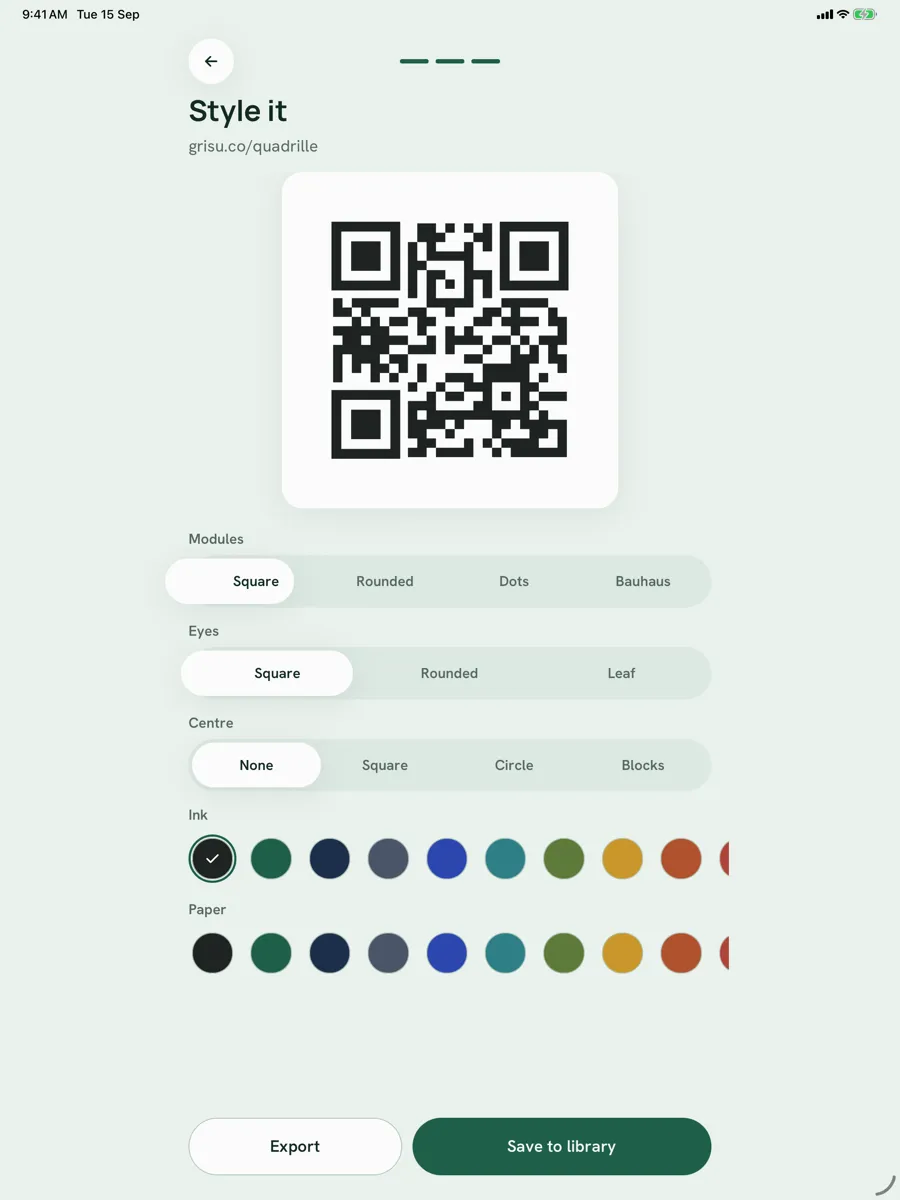
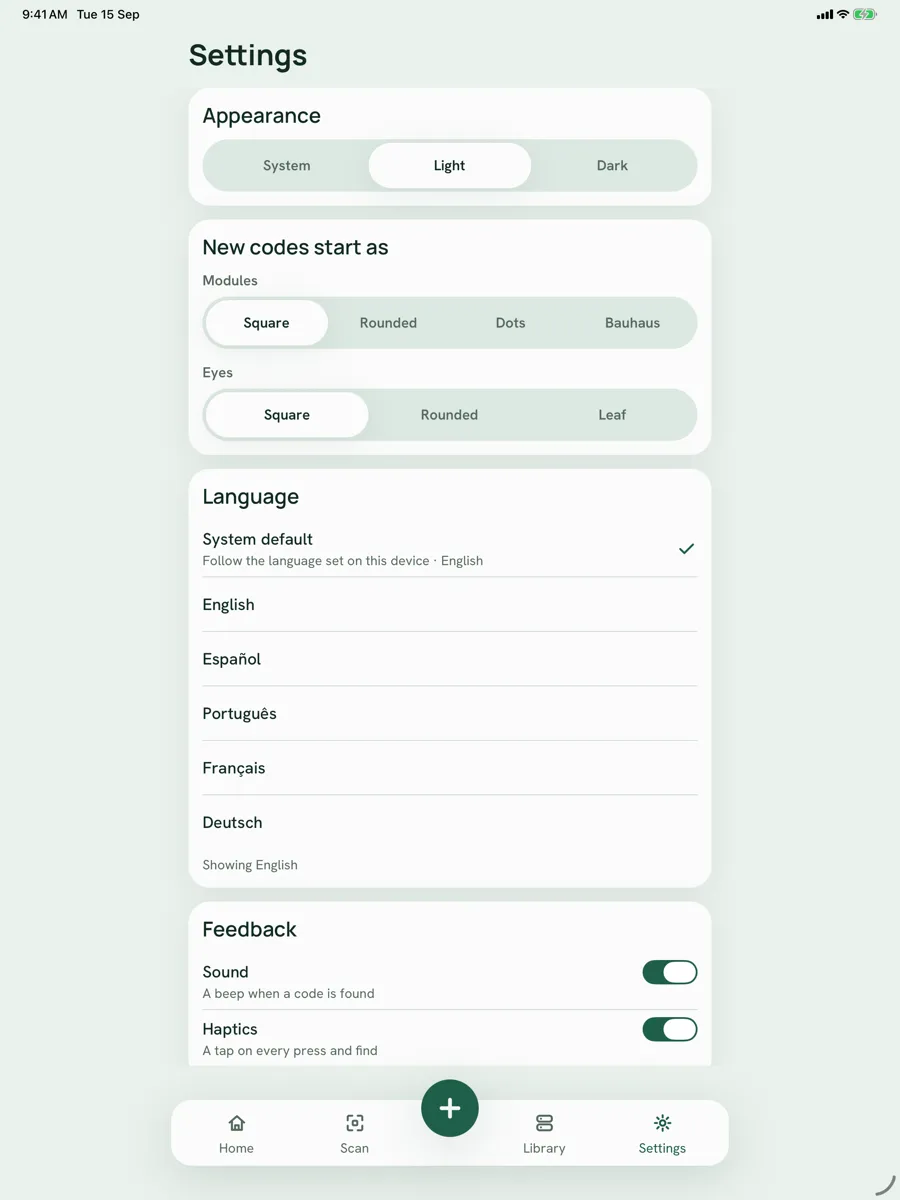
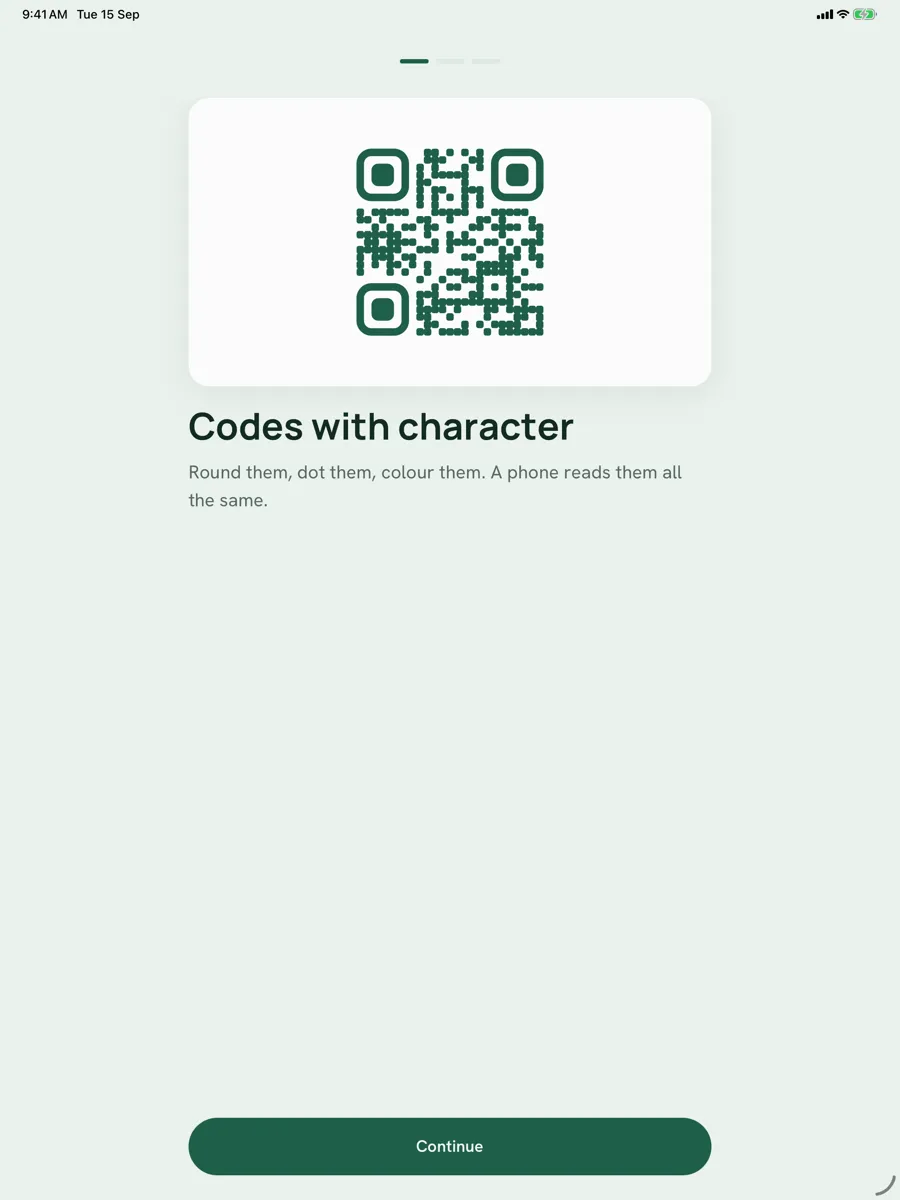
Four module shapes including a Bauhaus mix that rounds only the corners the code leaves free, three eye shapes, a centre glyph with its own quiet zone, and a palette of inks and papers. Error correction rises automatically when a glyph is set, and the app tells you plainly when a colour pair will not scan
Export at Any Size
Save a PNG at 1024 or 2048 pixels to Photos, share an SVG for print, share a card with the code on it, or copy the text. The exported file is the same picture you saw on screen
Scan, Then Act
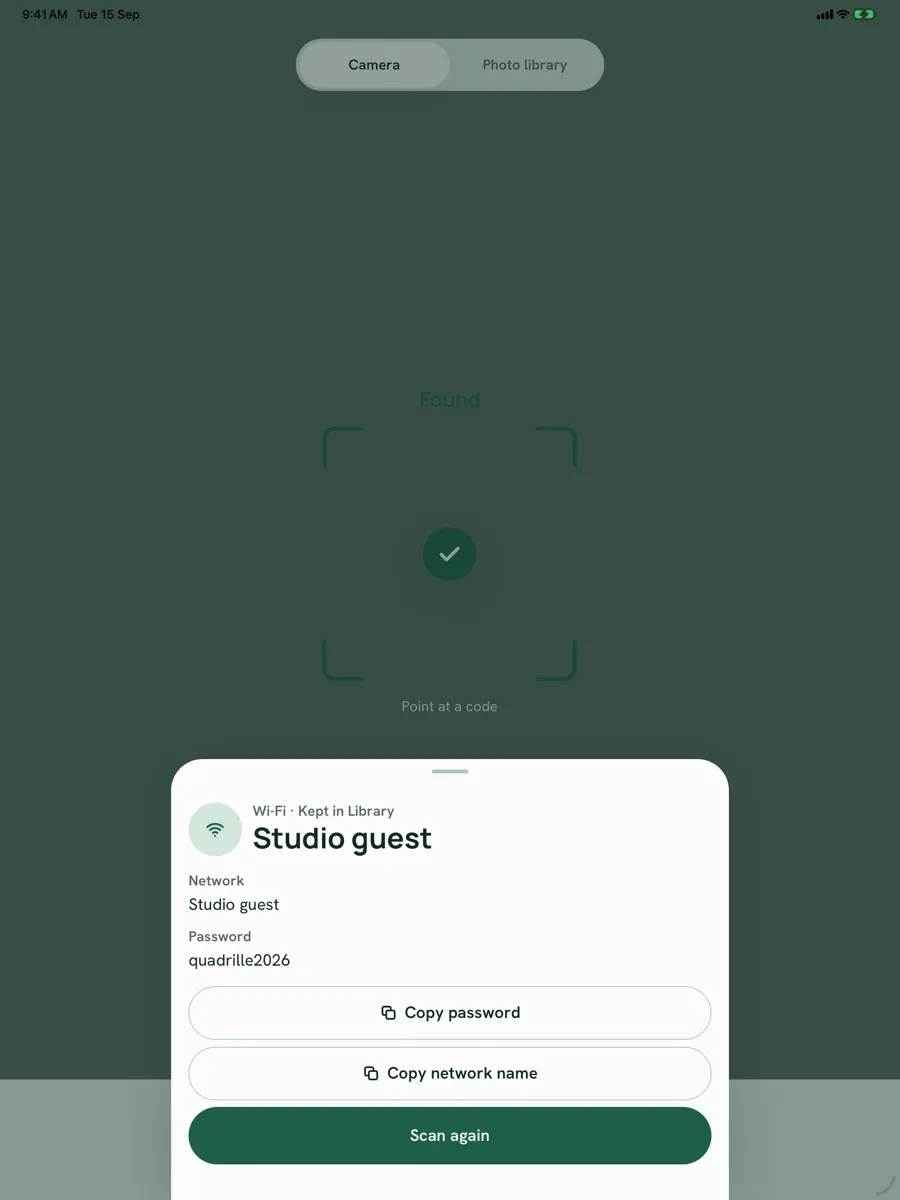
Point the camera or pick a photo. A link opens, a Wi-Fi network shows its name and password with copy buttons, a contact saves as a card, an event goes to your calendar. Every scan is kept with its type
A Library, Made and Scanned
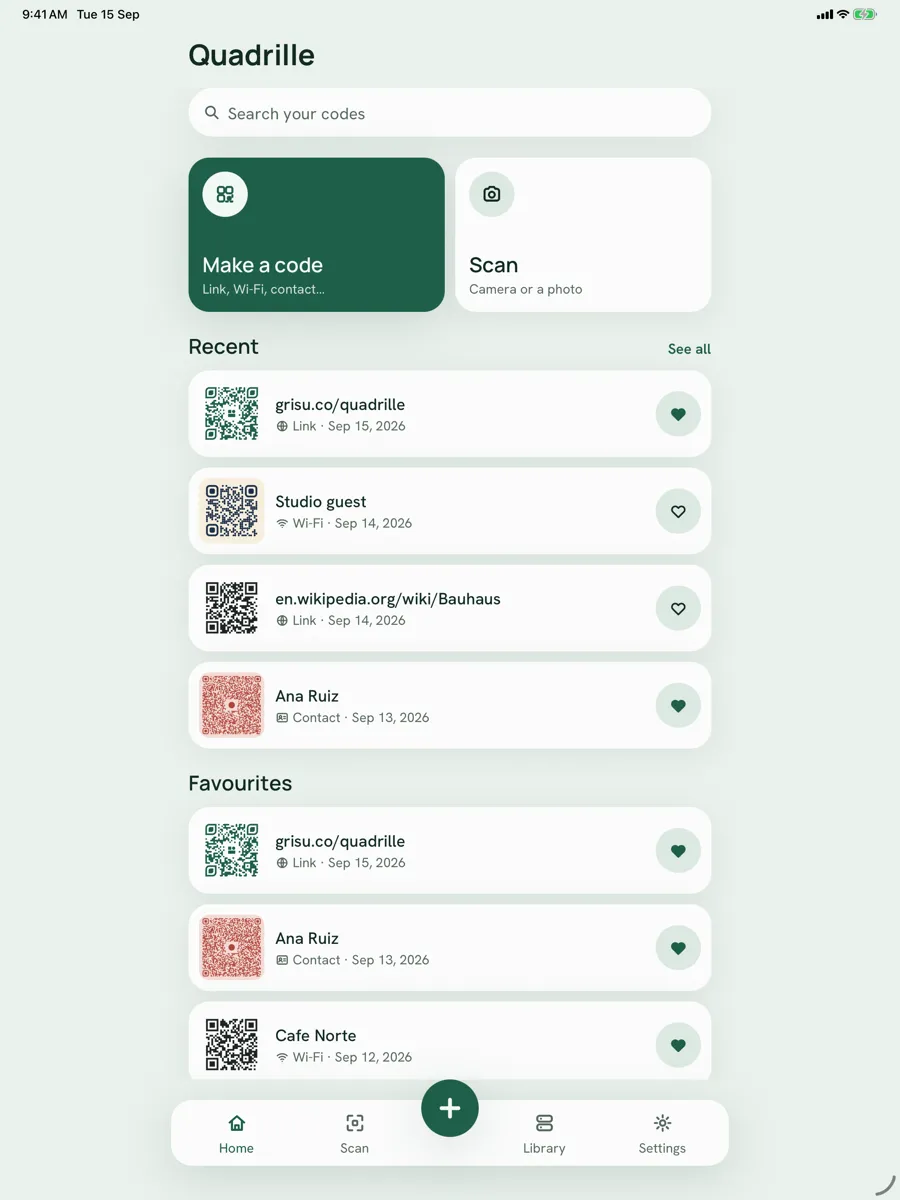
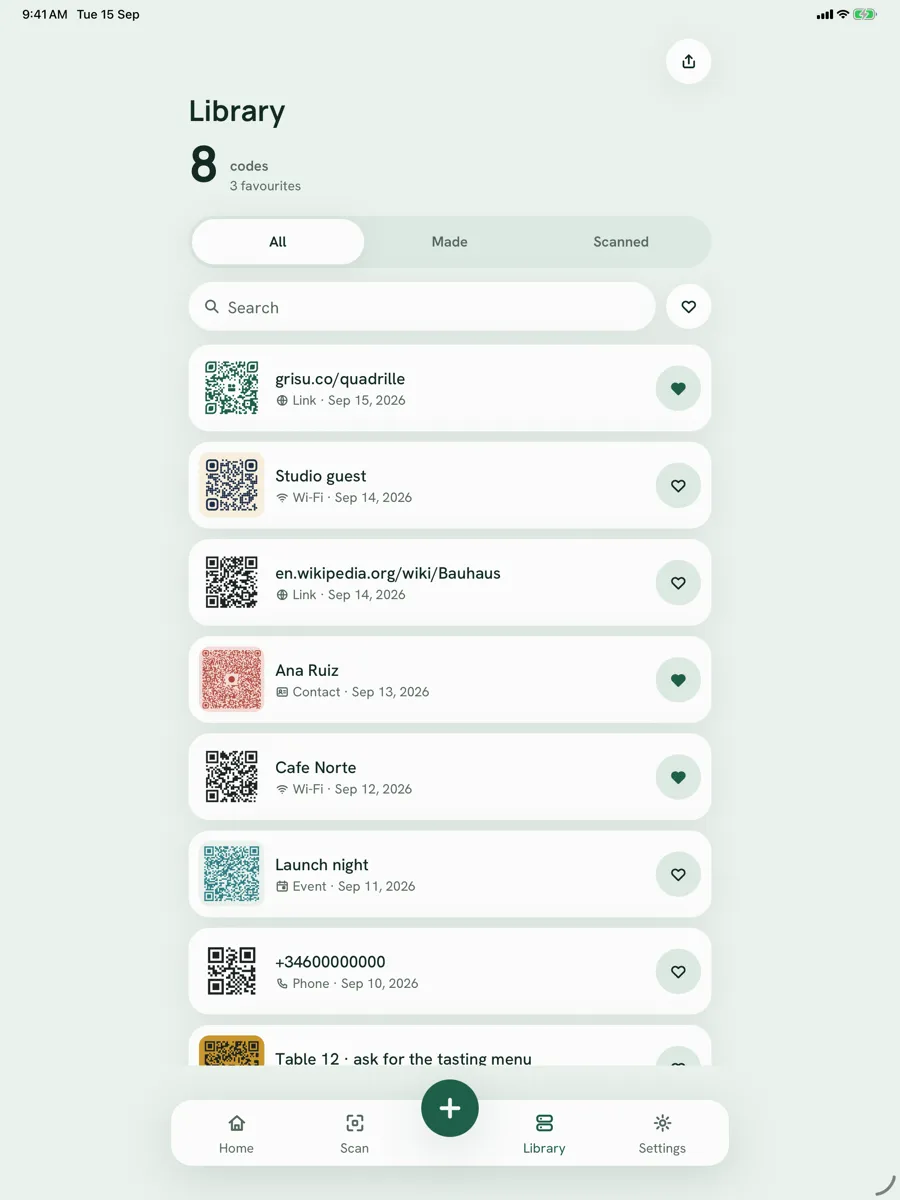
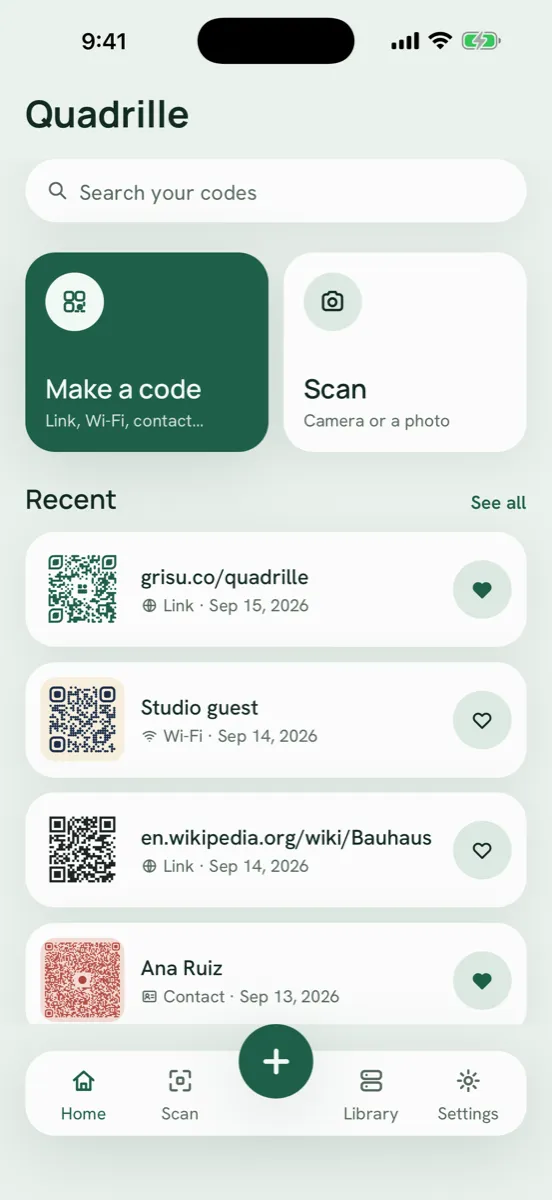
Everything you make and everything you scan, drawn as cards you can search, favourite and swipe away. Save a code and watch it fly into your library. Re-open a made code to edit it and export it again, or export the whole library as CSV, TXT or JSON
On Your Phone, Full Stop
No account, no login, no server of ours. Camera frames are read on the device to find a code and are never stored or sent. Your codes live in local storage and can be deleted in one tap
Screenshots